Start with a public Reddit URL
Paste a public subreddit or post URL into FakeWorking. Private, deleted, quarantined, age-restricted, and login-gated pages may not be available.
Open public Reddit communities, posts, and available comments inside an Outlook, Word, Excel, or VS Code-style workspace without the familiar Reddit feed around them.
← Back to homepage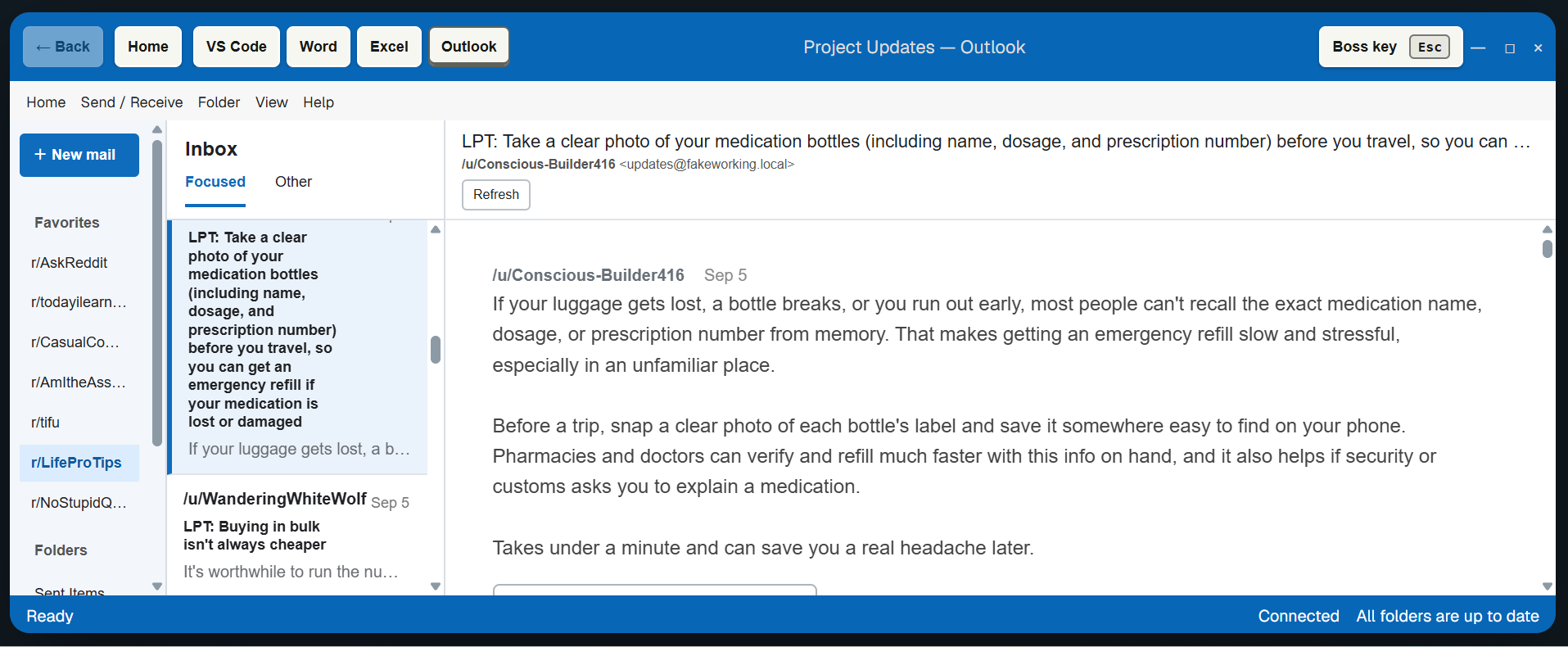
We have all had a slow moment at work and wanted to browse Reddit for a while. Opening the familiar Reddit feed can be too obvious, so FakeWorking places public communities, posts, and comments inside an Outlook, Word, Excel, or VS Code-style workspace.
Choose a public Reddit destination, then read it in the work interface that best matches your screen.
Paste a public subreddit or post URL into FakeWorking. Private, deleted, quarantined, age-restricted, and login-gated pages may not be available.
Open the reader in Outlook, Word, Excel, or VS Code. The Outlook example above turns a community into an inbox with posts on the left and the selected discussion on the right.
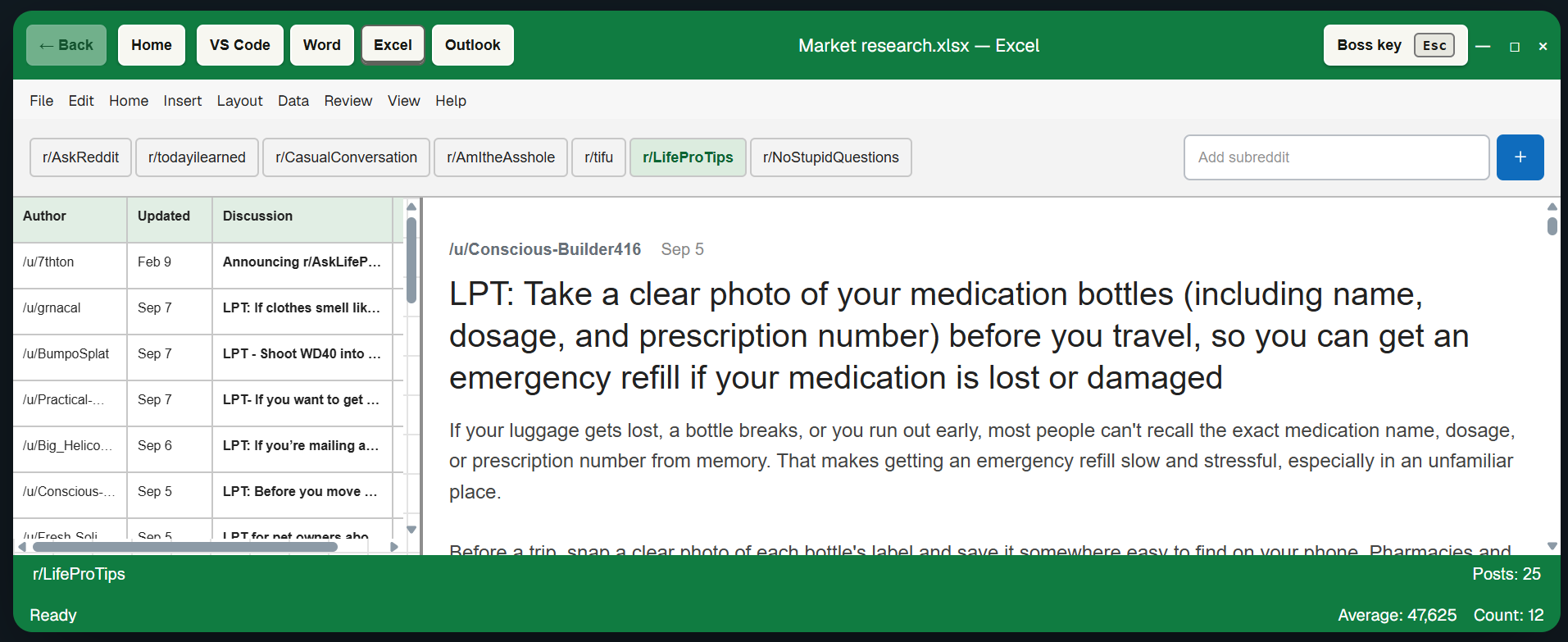
Switch views without losing your place. In the Excel-style Reddit reader, communities appear as sheet tabs while posts and the selected discussion remain available in the same window.
Press Esc inside the Reddit workspace to open the safe work screen. Press Esc again to return when the browser has focus.
Start with a public subreddit and scan its available posts as if they were messages in an Outlook-style inbox.
Open a post in the same workspace and follow the available public discussion without returning to the Reddit feed.
Switch the same reading session between Outlook, Word, Excel, and VS Code-style views without losing your place.
No. The reader is designed for public communities, posts, and comments that are available without a Reddit account.
You can try public communities and public post URLs. Private, quarantined, age-restricted, deleted, or login-gated content may not be available.
No. FakeWorking is a focused public reader, not a replacement Reddit client. Interactive account features remain on Reddit.
Inside the reading workspace, Esc opens a safe work screen. Press Esc again to return when the browser has focus.
Choose Reddit on the homepage, paste a community or post link, and select the work view that fits your screen.